The real little thing.
Select the pet’s transparent window. Automatic framing removes its empty canvas; a manual crop puts you in control.
A HOME FOR YOUR DESKTOP COMPANION
Same little personality.
A place of its own.
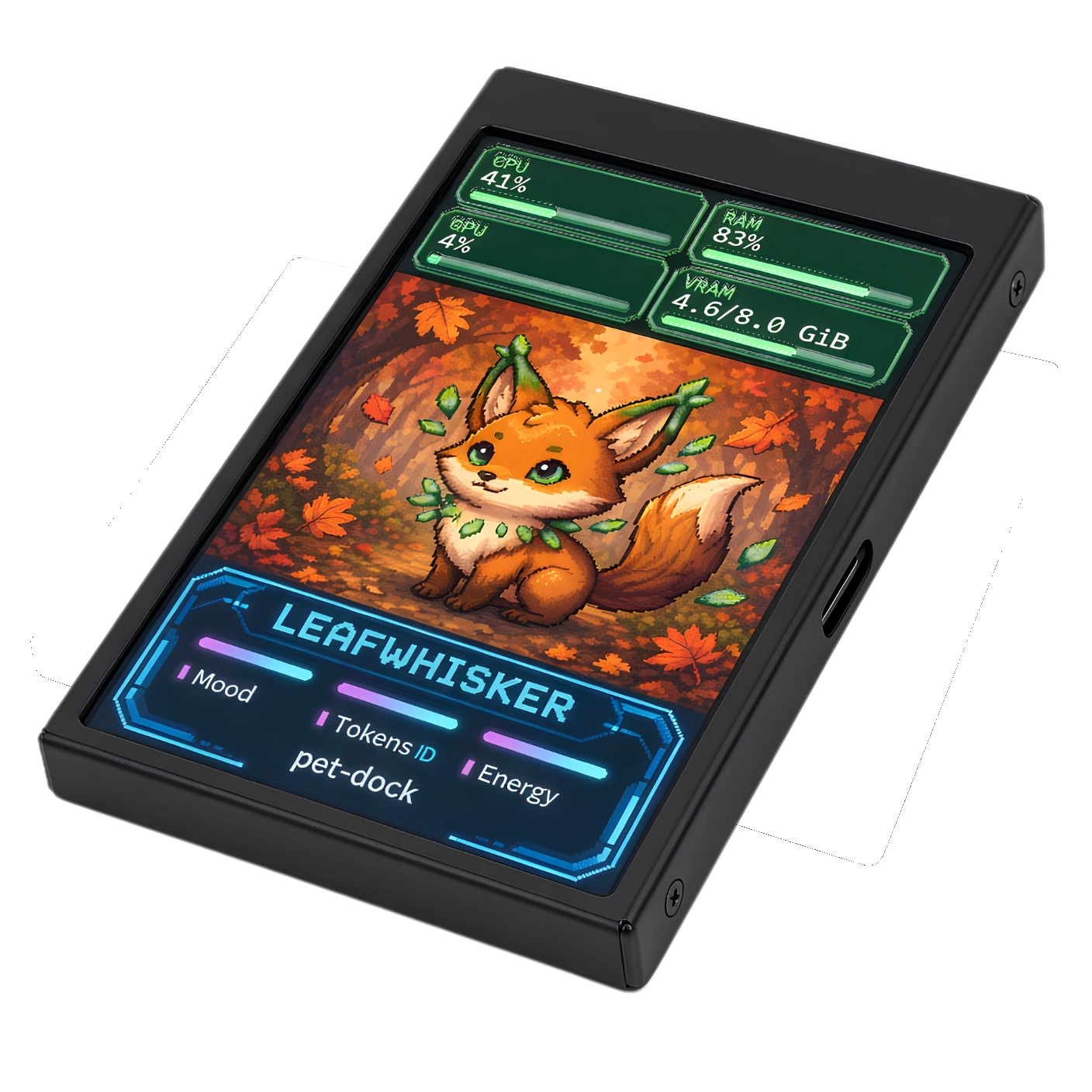
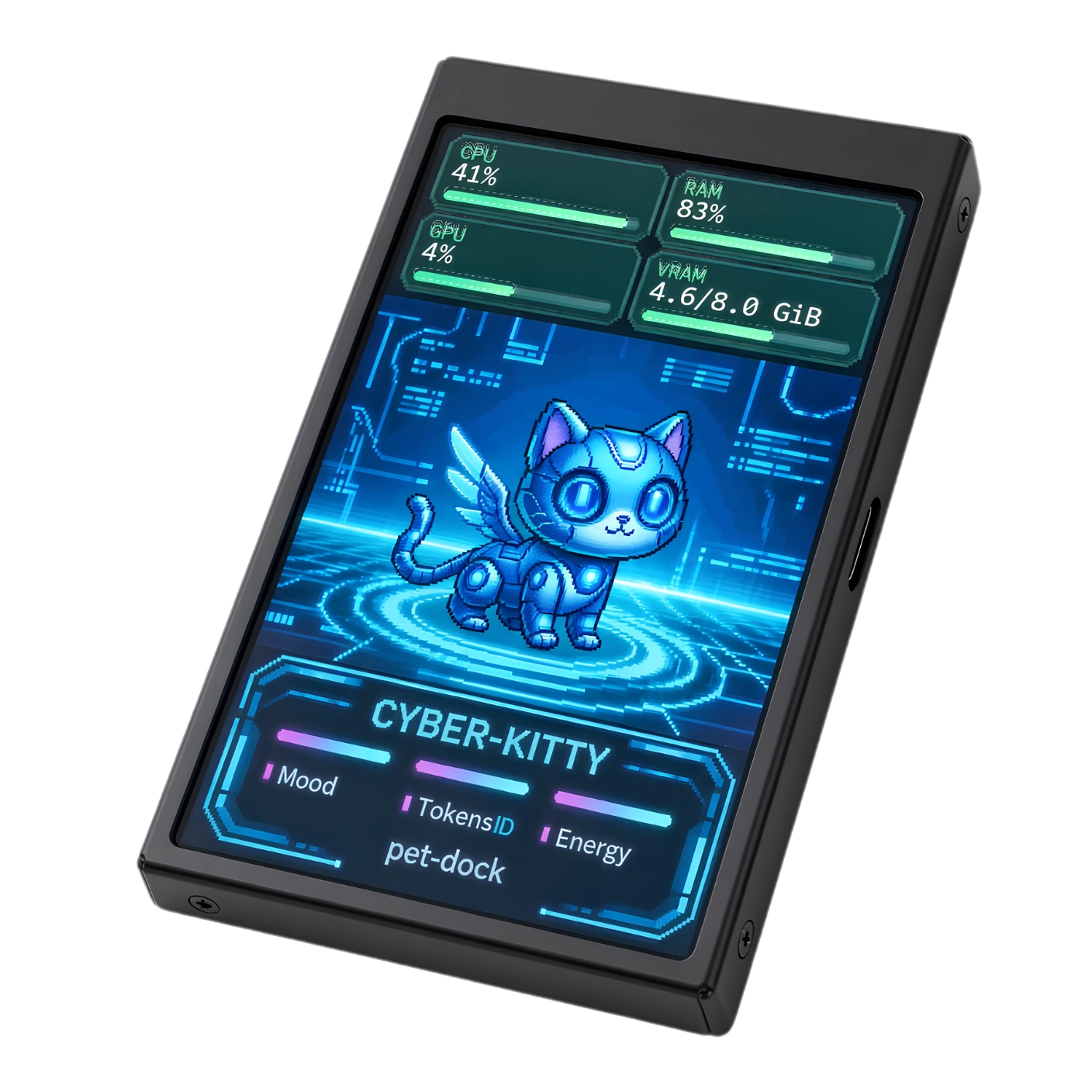
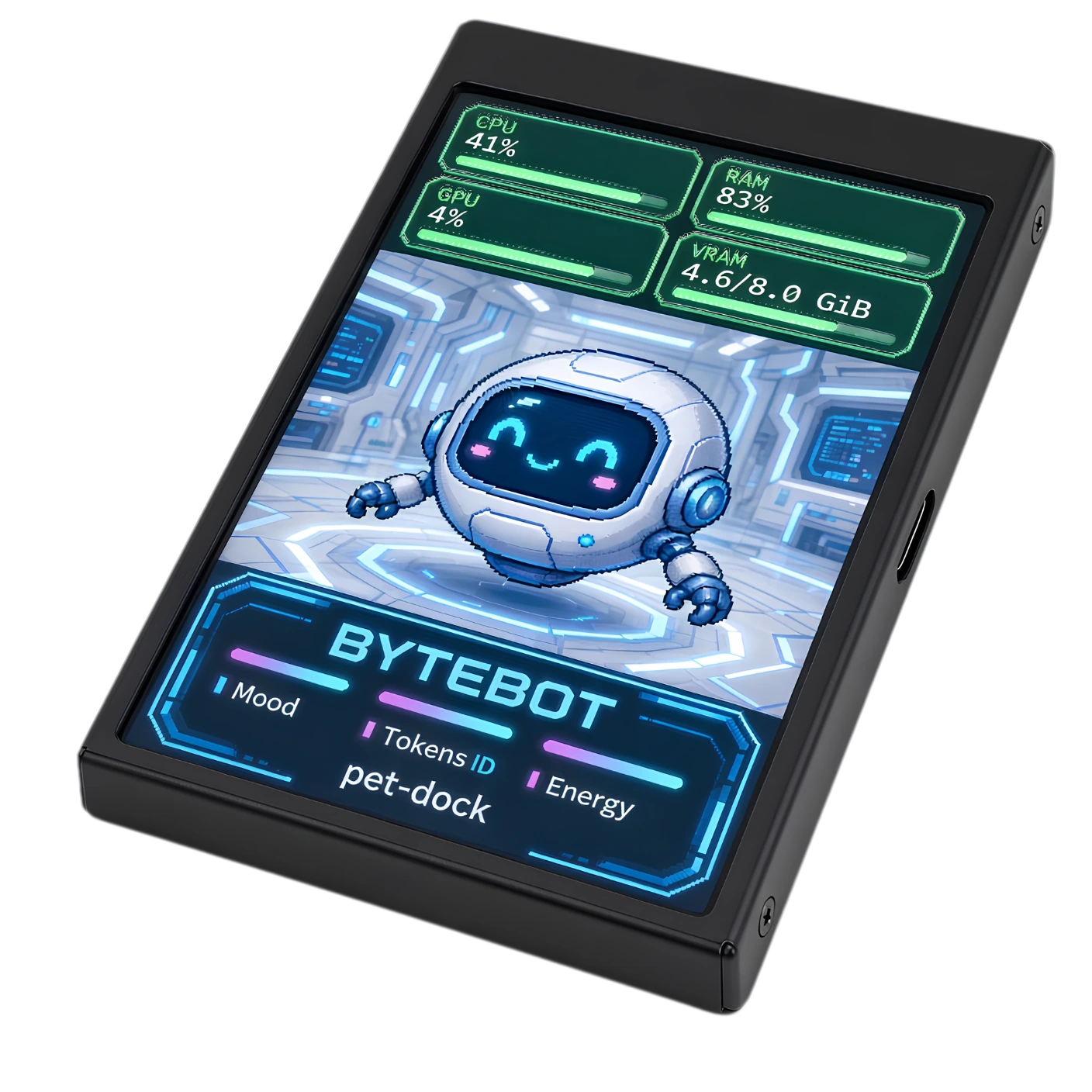
Give your live Codex or ChatGPT pet a little display on your desk. Keep its real reactions. Make the screen yours. Leave a little room for your computer stats.
v0.3.0 preview · Windows 10/11 x64 · free & open source
THE IDEA
01 — A LITTLE MORE DESK LIFEPet Dock captures the floating pet you already use and sends its visuals to the display. The host app still runs the personality, animations and reactions. Nothing gets replaced or recreated.
Select the pet’s transparent window. Automatic framing removes its empty canvas; a manual crop puts you in control.
Choose a background, place the pet, set the colors and add a font. Save your setup locally, not in somebody’s cloud.
Add CPU, RAM and supported GPU readings as cards, bars or rings. Or keep it simple: just you and your pet.
A LITTLE PERSONALITY
02 — MAKE THE PIXELS YOURSA quiet set of cards. Clear bars. Little rings. Pick the stats treatment that fits, then add your own background and live pet in the app.
Illustrative web preview · not live computer readings
Try the controls. These are sample values, not live readings.
Explore customizationTHE DISPLAY
03 — SMALL HARDWARE, BIG CHARACTERA compatible 3.5-inch USB display is the starting point. The software streams the image over USB; this is not a normal HDMI second monitor.
Third-party listing. Check the hardware revision and return terms. Similar-looking screens can use different protocols.
FOUR STEPS
04 — PLUG IN. SETTLE IN.Choose the compatible USB display and a data-capable cable.
Install the preview or run its portable app. Python is included.
Enable its floating window in the host app. Capture it and check the crop.
Test the connection, start the screen, then choose your look.
No firmware flashing in the documented setup.
Follow the setup guideFREE WINDOWS DOWNLOAD
Open-source software. No app account, API key or cloud pet service. Your host app keeps running; Pet Dock takes care of the screen.
COMMON QUESTIONS
05 — BEFORE YOU PLUG INNo. It mirrors the floating pet that is already running in Codex or ChatGPT. Keep that host app open. Pet Dock does not read your conversations or reproduce the pet’s behavior independently.
No. The documented device uses USB identity 1A86:5722 and a supported serial image protocol. Similar cases can contain different electronics. Check the display guide before purchasing.
Version 0.3.0 is a preview. The project owner has tested the current build successfully on their Windows setup. Its installer is still unsigned, and one working setup does not guarantee every hardware or Windows configuration. The downloads page keeps the stable 0.2.1 option available.
Pet Dock sends visuals only. It does not add touchscreen or click input. Interact with the original pet in its host app.
Normal Pet Dock operation is local: no app telemetry, screenshot uploads or API key. Your host app has its own behavior and privacy policy. Diagnostics can contain local details, so inspect and redact them before sharing.